Once logged into your account on pickleball.com, log into your account and then select the "Tournaments" tab located here:

Selecting this tab will relocate you over to Pickleballtournaments.com, where all tournament registrations are located. Select the "My Tournaments" tab to be directed to your personal tournaments that you are either managing or registered for:

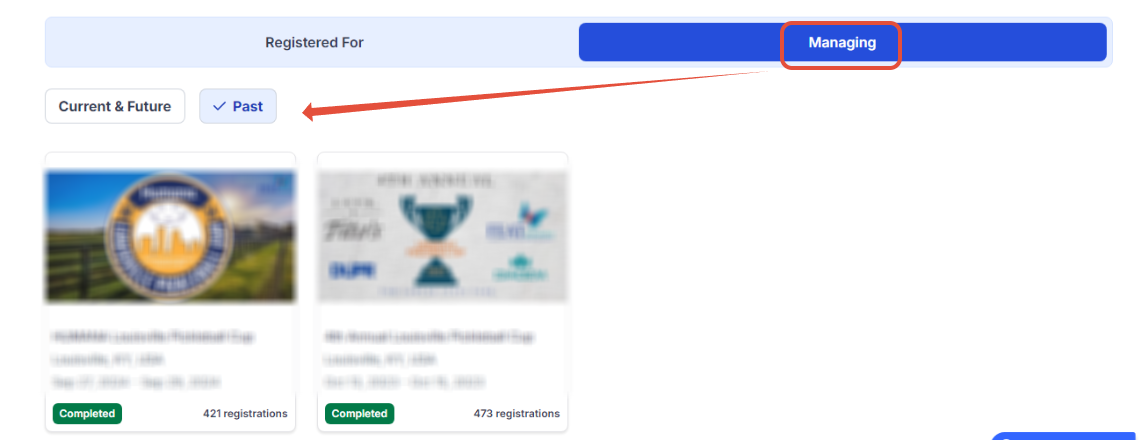
Now that you are in your personal tournament search area, you have options as both a player (Registered for) and Tournament Manager (Managing). You also have the ability to search your tournaments for those you player/ran in the past and those in the future:

Just make a couple of selections (below we are looking at past tournaments we managed) and you will see the tournaments listed you have access to
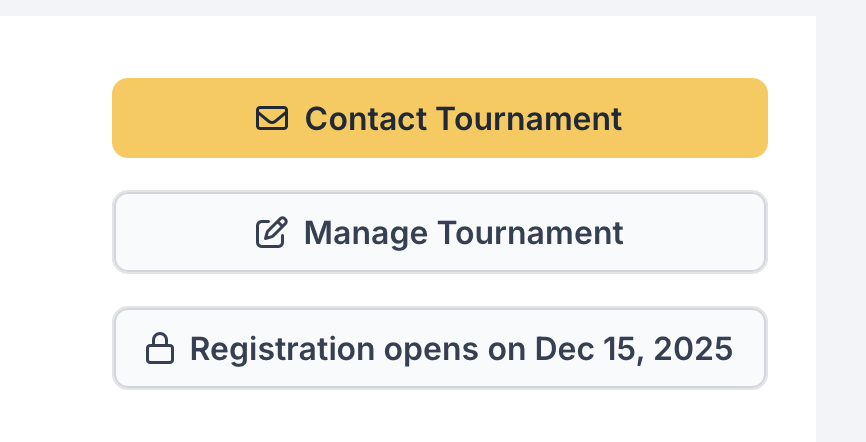
Click on the tournament that you need to go into, and then you will find a "manage tournament" on the next page. Click on that and you will be in your tournament
Was this article helpful?
That’s Great!
Thank you for your feedback
Sorry! We couldn't be helpful
Thank you for your feedback
Feedback sent
We appreciate your effort and will try to fix the article